

xTremeTechPCs
Base de datos de PCs
3 artículos
-
Cotizamos cualquier tipo de GamingPC, a su gusto y con cualquier tipo de componente. Vendemos solo los componentes más recientes y poderosos del mercado. Pregúntenos: extremetechcr@gmail.com 6047-0682 8858-8452 www.extremetechcr.com
-
Imagen del artículo:
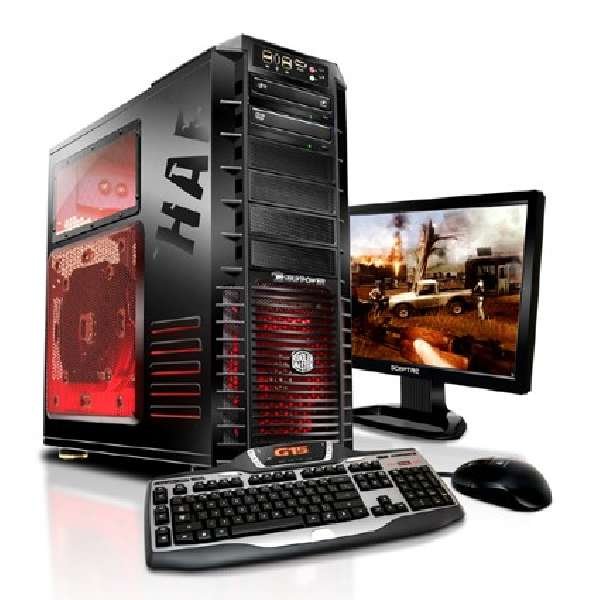
- Más Información: [Más información]
-
Imagen del artículo:
-
Gaming PC con tecnología de AMD -CPU AMD FX 6300 (6 Cores, 3.5 Ghz) -Tarjeta Madre MSI 970 Gaming ATX -8 GB (2 x 4 GB) Memoria DDR3 1600 Mhz Kingston HyperX Fury Red -Tarjeta de video MSI Radeon 270x Gaming 2 GB -Disco Duro 1 TB GB 7200RPM Western Digital -Fuente de Poder Corsair CX600M 600W Modular -Case Corsair Carbide SPEC-02 Precio = 450 mil colones Con 1 año de garantía. Servicio de Entrega
-
Imagen del artículo:

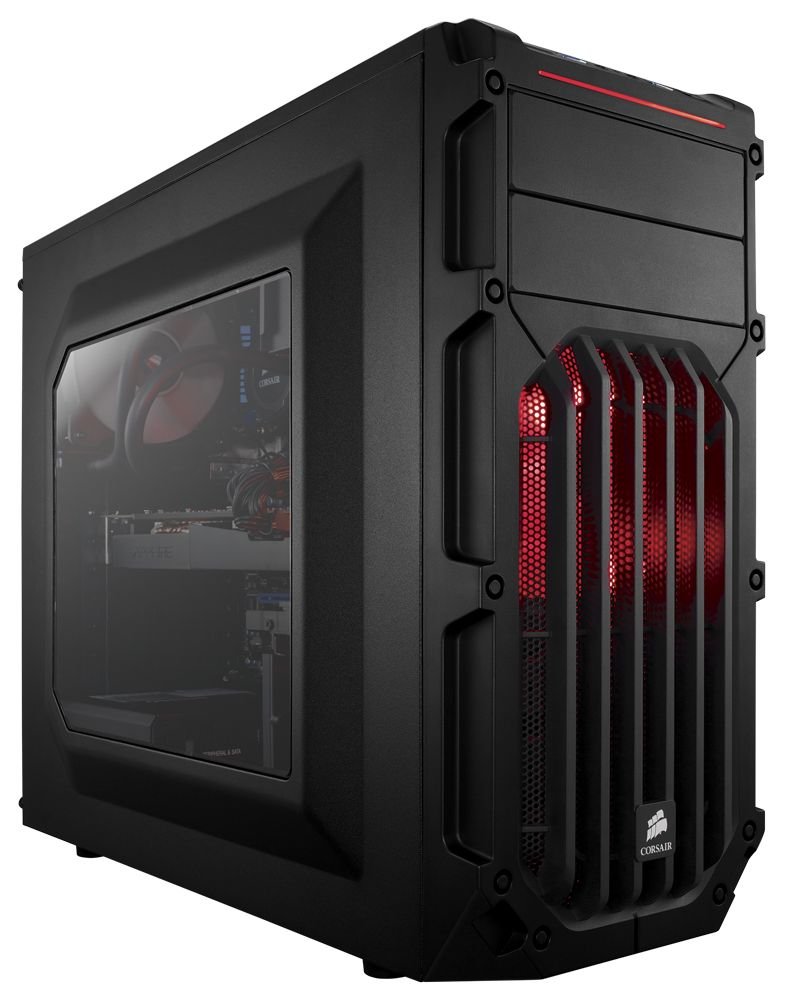
- Precio: 450000
- Más Información: [Más información]
-
Imagen del artículo:
-
Gaming PC con tecnología de Intel -CPU Core i5 4690K (4 Cores / 4 Threads 3.5 Ghz) -Tarjeta Madre MSI Z97 G45 Gaming -8 GB (2 x 4 GB) Memoria DDR3 1600 Mhz Kingston HyperX Fury Red -Tarjeta de video Nvidia EVGA GTX 760 SC 2 GB -Disco Duro 1 TB GB 7200RPM Western Digital -Fuente de Poder Corsair CX600M 600W Modular -Case Corsair Carbide SPEC-02 Precio = 580 mil colones Con 1 año de garantía. Servicio de Entrega
-
Imagen del artículo:

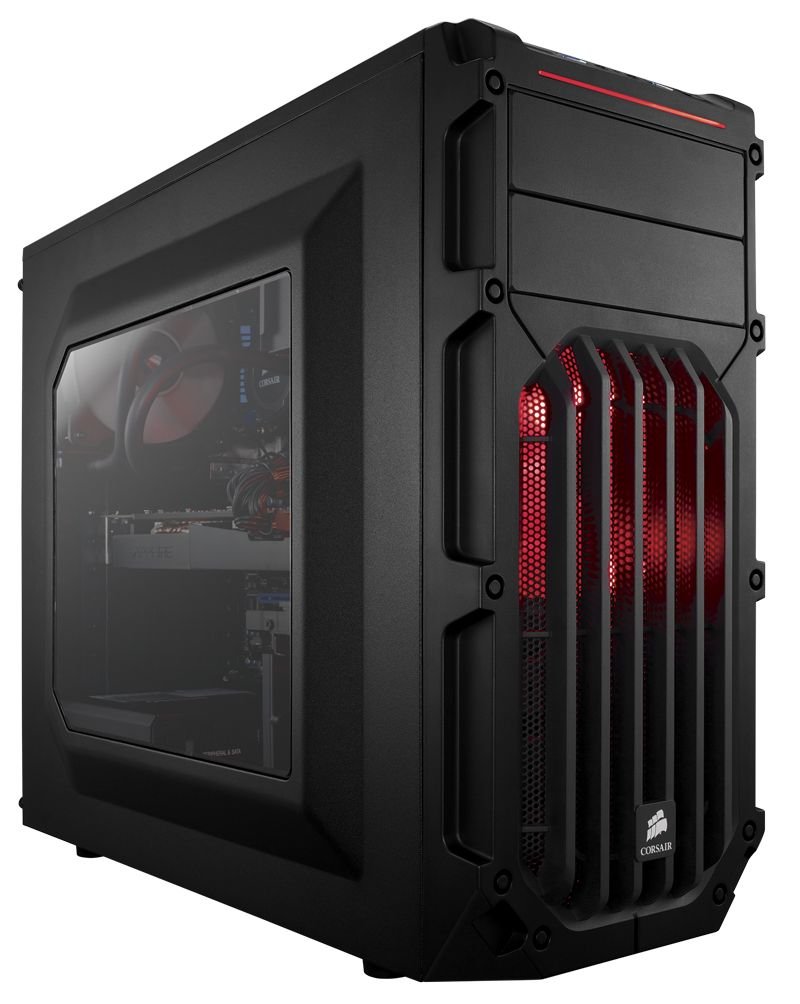
- Precio: 580000
- Más Información: [Más información]
-
Imagen del artículo:
