


Sky
Administrador
-
Joined
-
Last visited
Everything posted by Sky
-
No sé ustedes, pero cada vez me gusta más QuakeWars sobre BF2142. ¿Qué opinan? QuakeWars BF2142
-
Al ver este video lo primero que viene a la mente es lo felices que deben estar los fabricantes de PCs, porque no es a cualquiera al que le correrán estos juegos de nueva generación. Download: UT2007 Trailer ~112MBs Imágenes: UT2007 @ Galerías
-
http://www.gamingcr.com/Paginas/Noticias/news.php?id=8876
-
Nuestro amigo [HM]za--za en la actividad de recibimiento el sábado:
-
Carnitas HM Clan 19 de Agosto
-
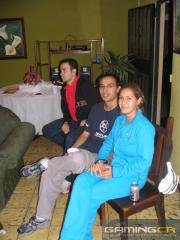 08192006_Carnitas_34.jpg
-
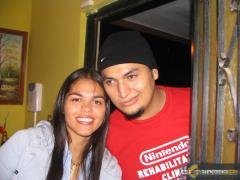 08192006_Carnitas_33.jpg
-
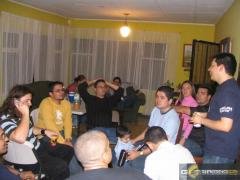 08192006_Carnitas_32.jpg
-
 08192006_Carnitas_31.jpg
-
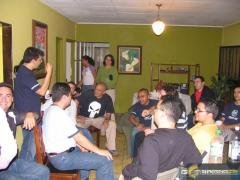 08192006_Carnitas_30.jpg
-
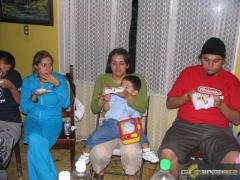 08192006_Carnitas_29.jpg
-
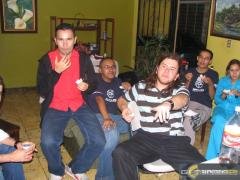 08192006_Carnitas_28.jpg
-
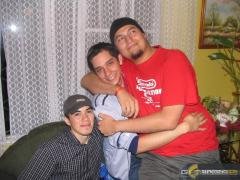 08192006_Carnitas_27.jpg
-
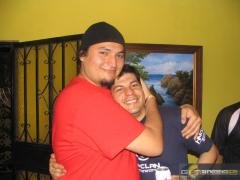 08192006_Carnitas_26.jpg
-
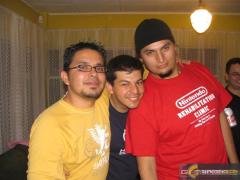 08192006_Carnitas_25.jpg
-
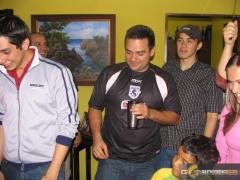 08192006_Carnitas_24.jpg
-
 08192006_Carnitas_23.jpg
-
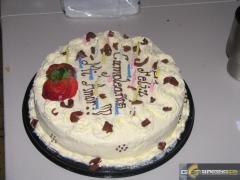 08192006_Carnitas_22.jpg
-
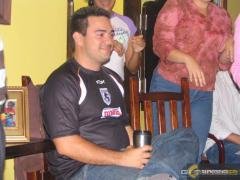 08192006_Carnitas_21.jpg
-
 08192006_Carnitas_20.jpg
-
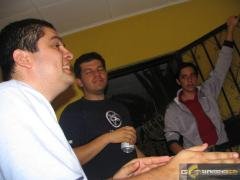 08192006_Carnitas_19.jpg
-
 08192006_Carnitas_18.jpg
-
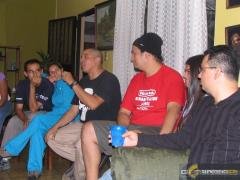 08192006_Carnitas_17.jpg
-
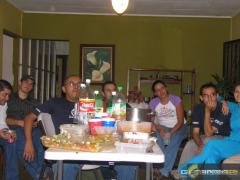 08192006_Carnitas_16.jpg
-
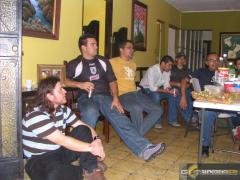 08192006_Carnitas_15.jpg
-
-
-
-
-
-
-
-
-
-
-
-
-
-
-
-
-
-
-
-
-