Skip to content
View in the app

A better way to browse. Learn more.

GamingCR

A full-screen app on your home screen with push notifications, badges and more.

To install this app on iOS and iPadOS
  1. Tap the Share icon in Safari
  2. Scroll the menu and tap Add to Home Screen.
  3. Tap Add in the top-right corner.
To install this app on Android
  1. Tap the 3-dot menu (⋮) in the top-right corner of the browser.
  2. Tap Add to Home screen or Install app.
  3. Confirm by tapping Install.

Sky

Administrador
  • Joined

  • Last visited

Everything posted by Sky

  1. Para aquellos que no hay votado, mañana se vence la encuesta.
  2. Amigo Frocho, eso se llama ironía. Junto al sarcasmo, es de las figuras discursivas más populares en Internet.
  3. A estas alturas del partido, opino igual que Felipe en su segundo párrafo. A Zeratul y a mí digamos que no nos fue bien, no fue una relación ganar-ganar en la primera vez, pero negocios son negocios, y no veo porque no continuar trabajando pero con condiciones mejor definidas y, eso sí, contrato y abogado de por medio para evitar esos "desbalances" hacia una de las partes. Ahora parece que sí hay una intención de hacer las cosas bien y en esos términos GCR tiene mucho que aportar.
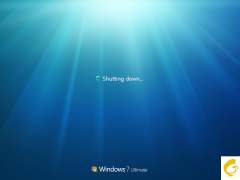
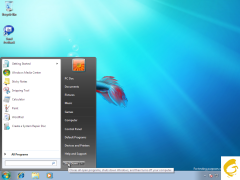
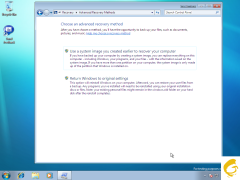
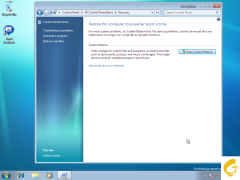
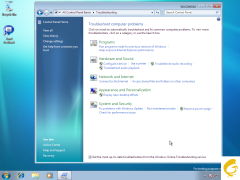
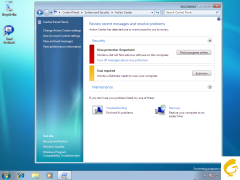
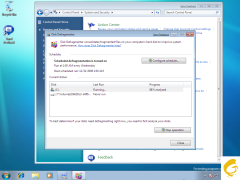
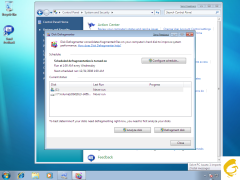
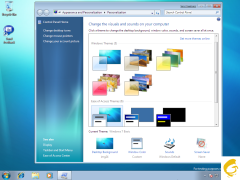
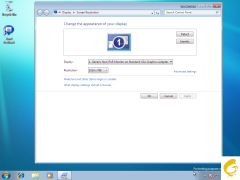
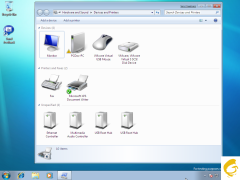
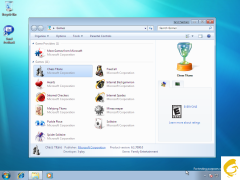
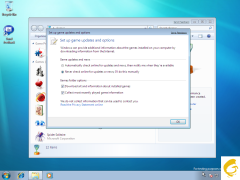
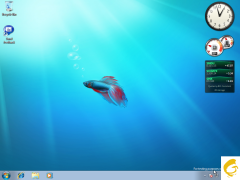
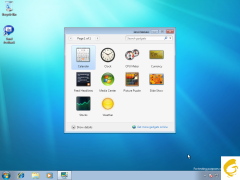
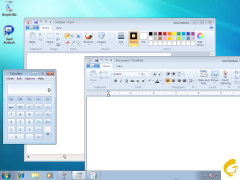
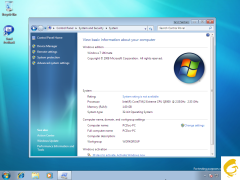
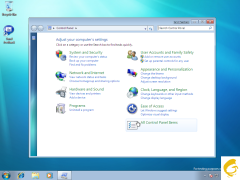
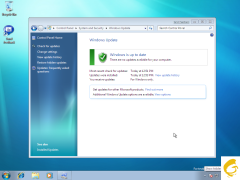
  4. Sky posted a gallery image in Windows 7 beta 1
  5. Sky posted a gallery image in Windows 7 beta 1

Account

Navigation

Search

Search

Configure browser push notifications

Chrome (Android)
  1. Tap the lock icon next to the address bar.
  2. Tap Permissions → Notifications.
  3. Adjust your preference.
Chrome (Desktop)
  1. Click the padlock icon in the address bar.
  2. Select Site settings.
  3. Find Notifications and adjust your preference.