Skip to content
View in the app

A better way to browse. Learn more.

GamingCR

A full-screen app on your home screen with push notifications, badges and more.

To install this app on iOS and iPadOS
  1. Tap the Share icon in Safari
  2. Scroll the menu and tap Add to Home Screen.
  3. Tap Add in the top-right corner.
To install this app on Android
  1. Tap the 3-dot menu (⋮) in the top-right corner of the browser.
  2. Tap Add to Home screen or Install app.
  3. Confirm by tapping Install.

Lejudas

Miembros
  • Joined

  • Last visited

  1. Pues estoy dispuesto a negociar!
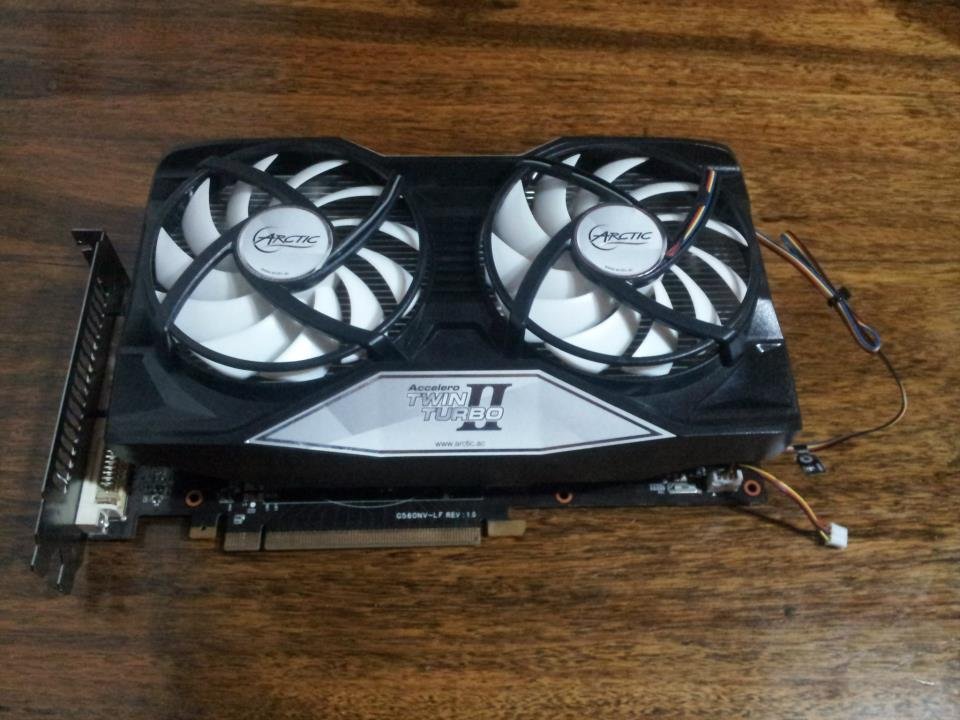
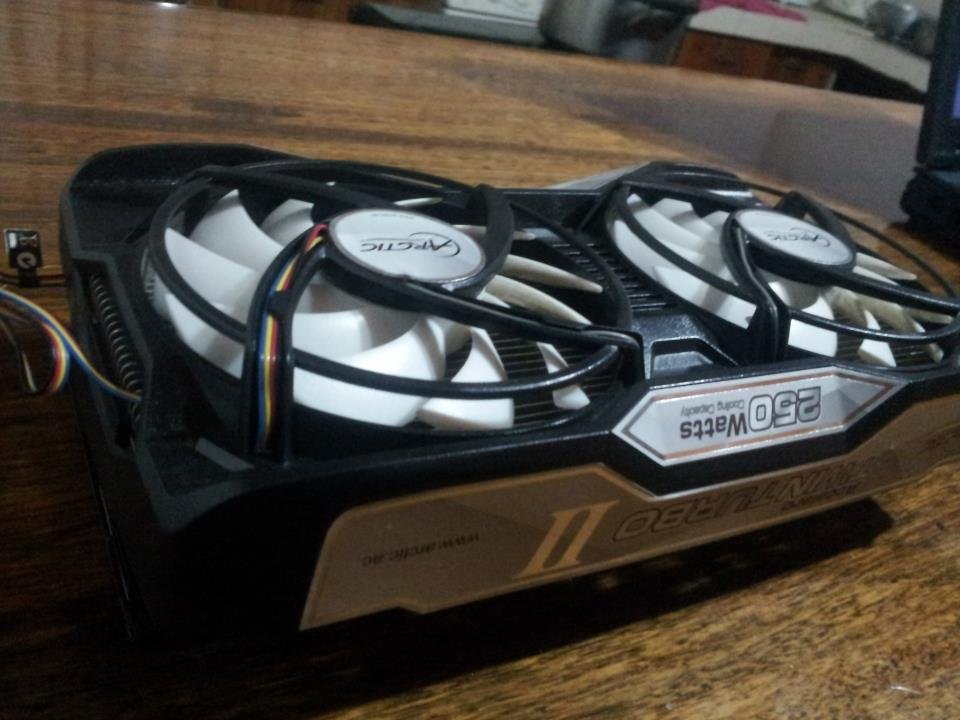
  2. Hola gente! Estoy vendiendo mi EVGA GTX560 Ti superclocked edition, trae 2048 MB GDDR5 y un hancho de banda de 256 bits con un procesador de 900 Mhz. Esta modeada como pueden ver aqui en las fotos, tiene unos abanicos Artic Cooling pro II, son increiblemente silenciosos y nunca la he visto a mas de 64 grados en full load. Precio: 100.000 Cualquier pregunta con mucho gusto
Account

Navigation

Search

Search

Configure browser push notifications

Chrome (Android)
  1. Tap the lock icon next to the address bar.
  2. Tap Permissions → Notifications.
  3. Adjust your preference.
Chrome (Desktop)
  1. Click the padlock icon in the address bar.
  2. Select Site settings.
  3. Find Notifications and adjust your preference.