
Skip to content
View in the app

A better way to browse. Learn more.

GamingCR

A full-screen app on your home screen with push notifications, badges and more.

To install this app on iOS and iPadOS
  1. Tap the Share icon in Safari
  2. Scroll the menu and tap Add to Home Screen.
  3. Tap Add in the top-right corner.
To install this app on Android
  1. Tap the 3-dot menu (⋮) in the top-right corner of the browser.
  2. Tap Add to Home screen or Install app.
  3. Confirm by tapping Install.

Yuman

Miembros
  • Joined

  • Last visited

Everything posted by Yuman

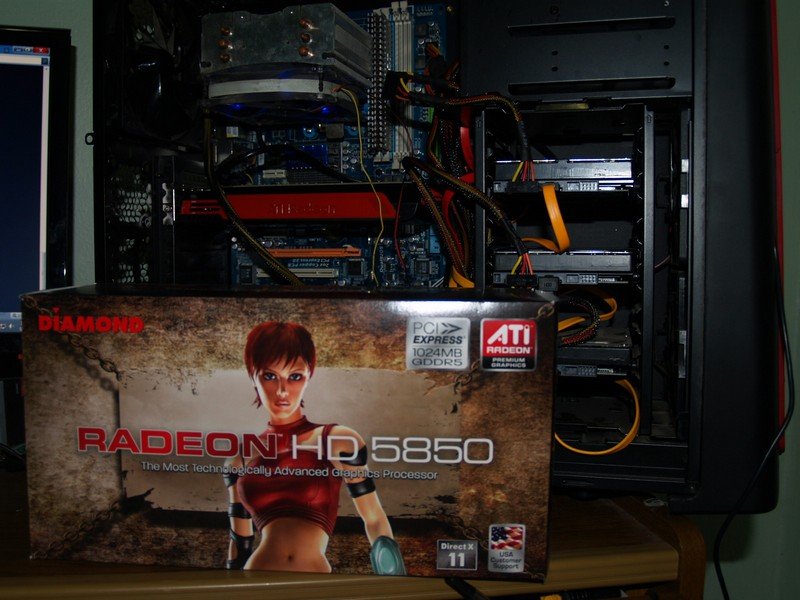
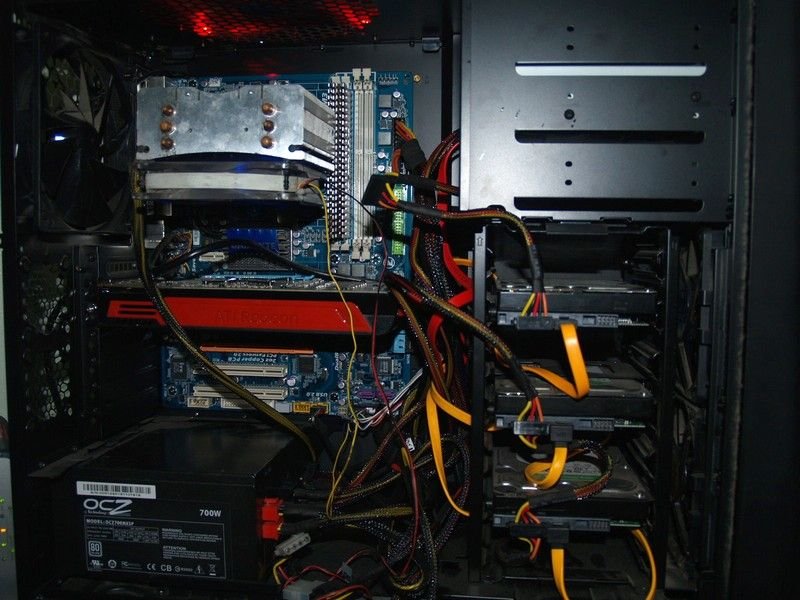
  1. Di la vendo porque la verdad estoy jugando mas PS3 tons es un desperdicio tenerla ahi, mejor la vendo y que alguien le de mejor uso. Agrego fotos por aquello
  2. Vendo Diamond ATI Radeon HD5850 PCIE 1024 MB GDDR5 Video Card 5850PE51G Tienes dos meses de uso, como nueva. Viene en caja. Para mas info pueden verla en este link http://www.amazon.com/gp/product/B002Q6RNTM/ref=oss_product Precio: $300 Me pueden contactar a: bactilago@gmail.com
Account

Navigation

Search

Search

Configure browser push notifications

Chrome (Android)
  1. Tap the lock icon next to the address bar.
  2. Tap Permissions → Notifications.
  3. Adjust your preference.
Chrome (Desktop)
  1. Click the padlock icon in the address bar.
  2. Select Site settings.
  3. Find Notifications and adjust your preference.