Leaderboard
-
Sky
Administrador1Points20,417Posts

Popular Content
Showing content with the highest reputation since 10/07/2026 in all areas
-
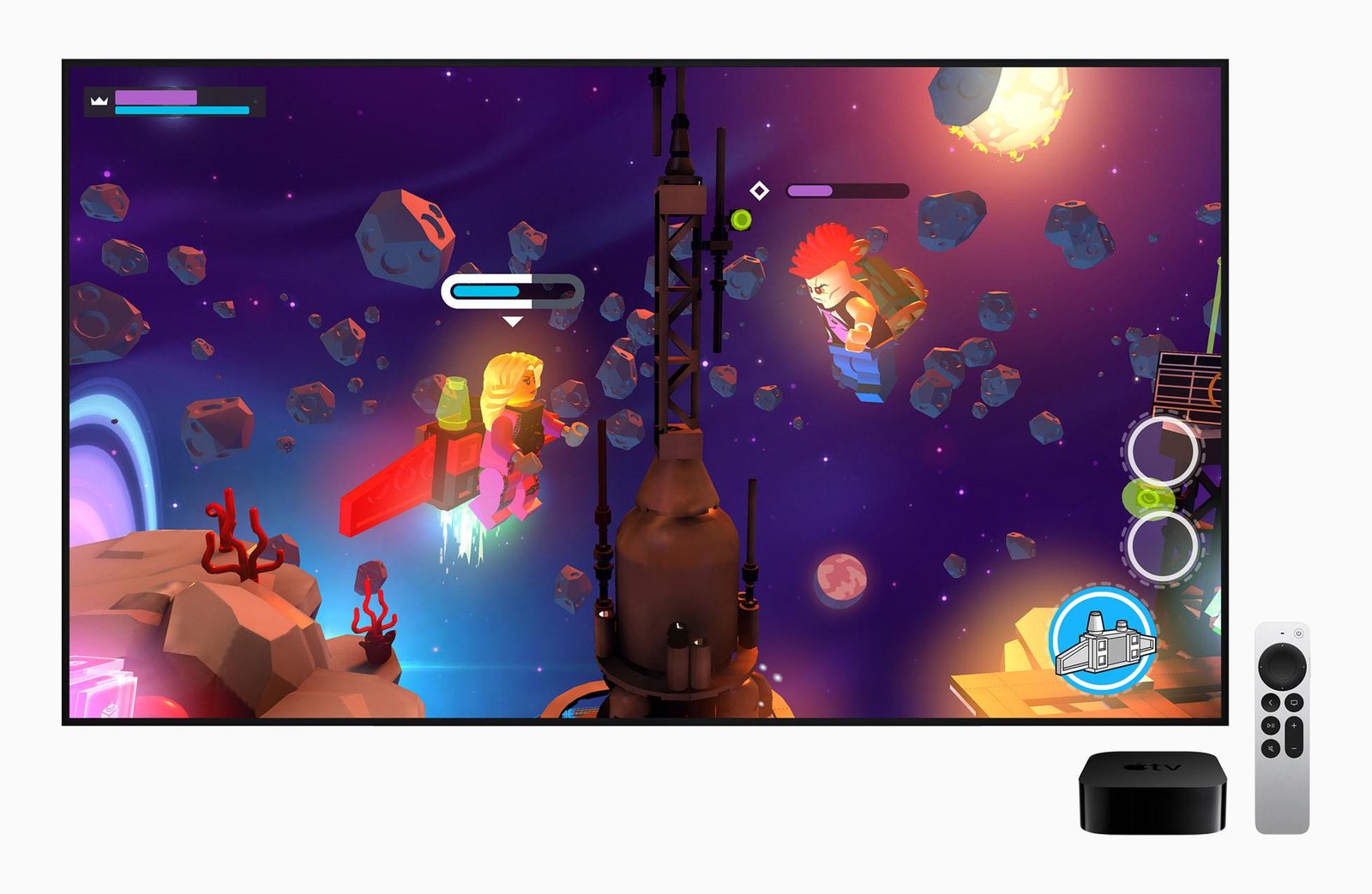
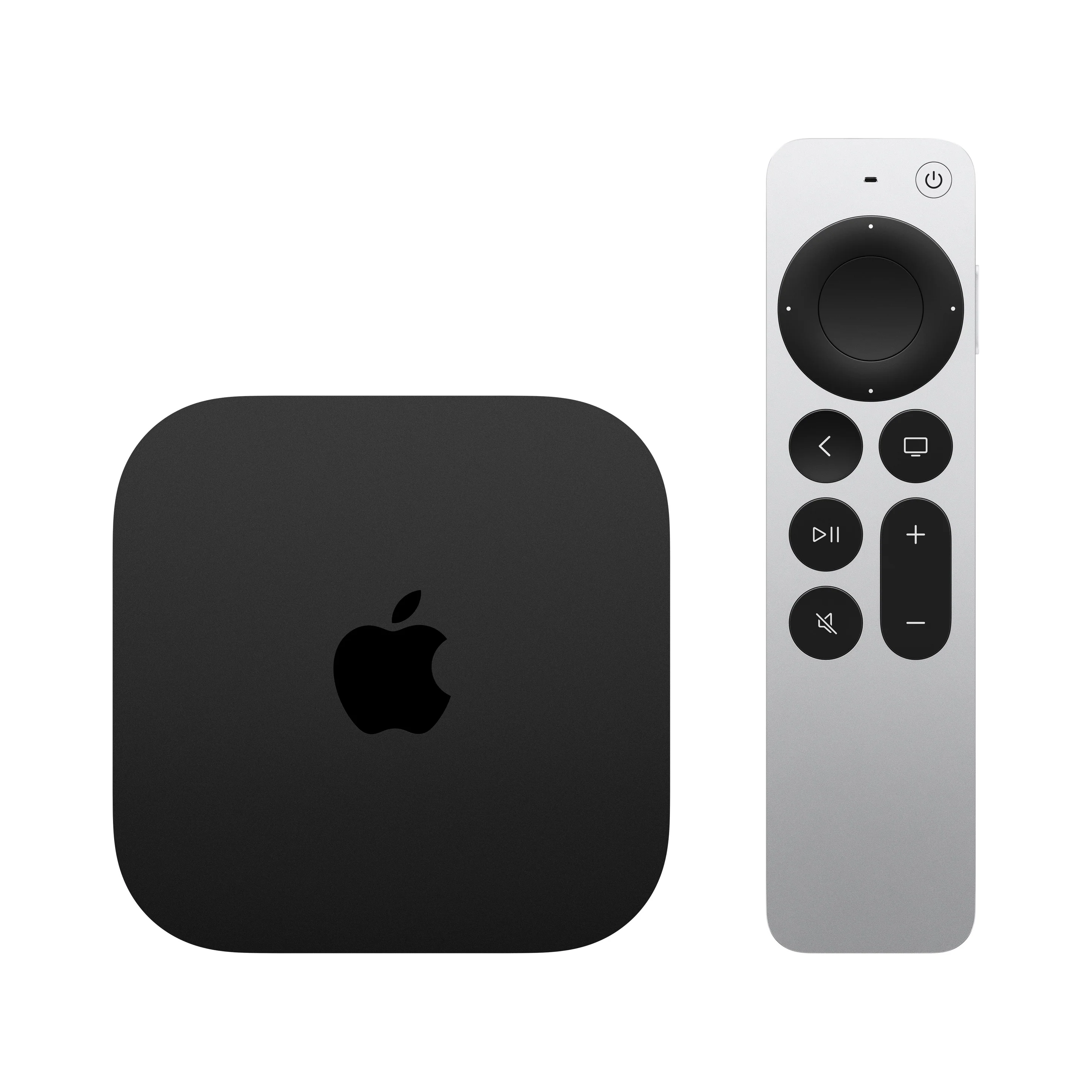
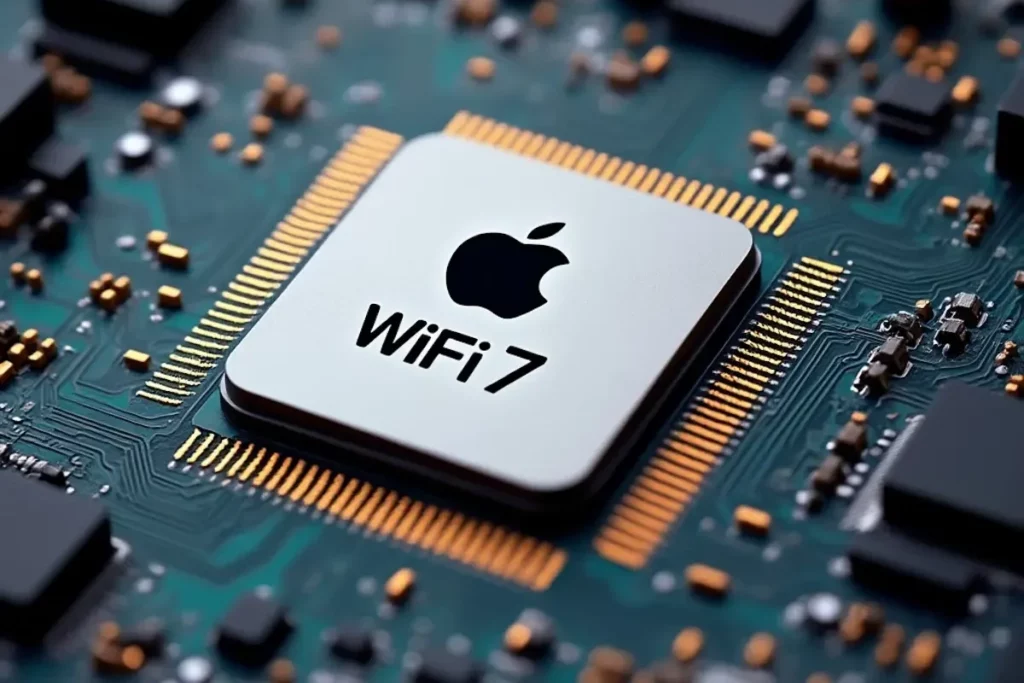
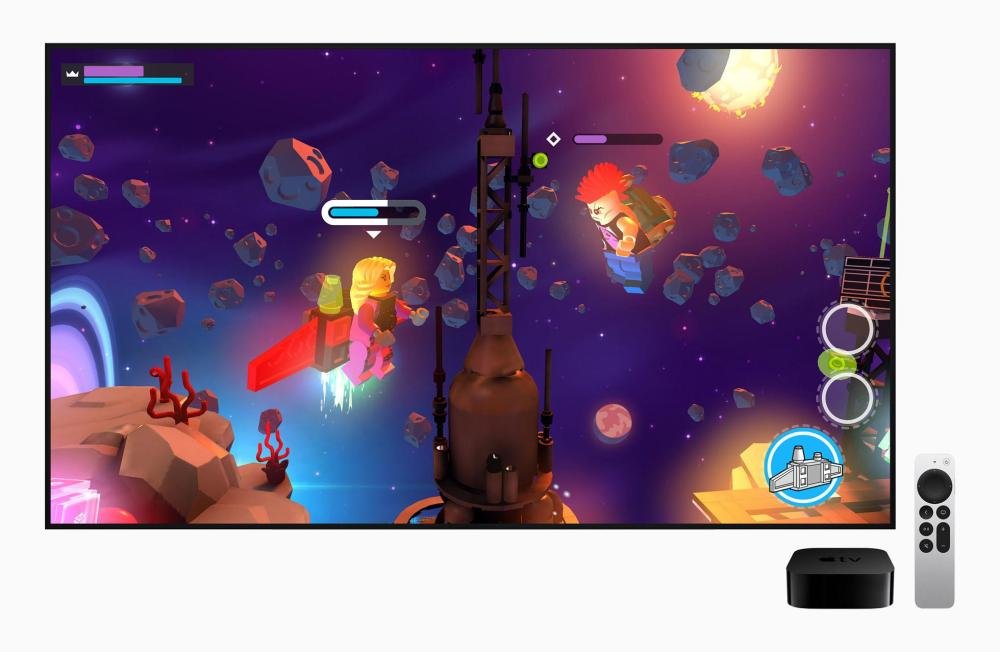
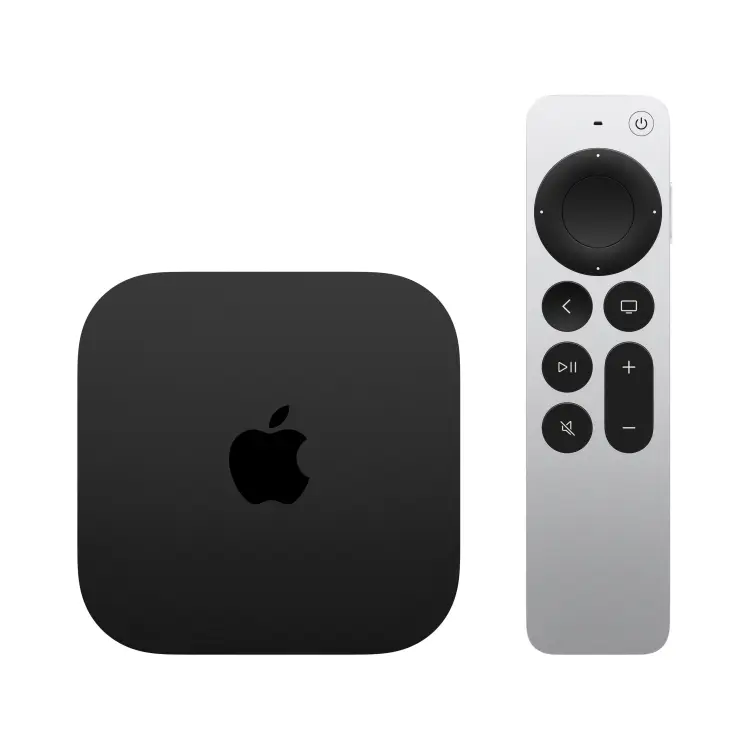
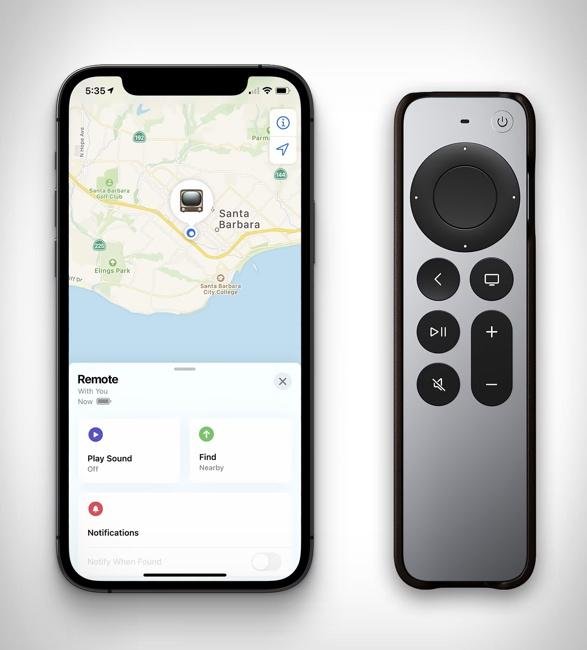
Apple finalmente renovó su dispositivo de entretenimiento después de cuatro años. El nuevo Apple TV 4K incorpora el procesador A19, mejoras importantes en conectividad, una Siri más inteligente y nuevas posibilidades para videojuegos y cine en casa. Sin embargo, con un precio de $299, la pregunta es inevitable: ¿realmente vale la pena actualizar? Cuatro años pueden parecer una eternidad en el mundo de la tecnología, especialmente cuando hablamos de una compañía acostumbrada a renovar buena parte de su catálogo cada año. Sin embargo, el Apple TV 4K había permanecido prácticamente intacto desde 2022, una situación que finalmente cambió con la presentación de su cuarta generación. El nuevo dispositivo llega con una propuesta bastante clara: ofrecer mucho más que una plataforma para ver Netflix, Disney+ o YouTube. Apple quiere convertirlo en un centro de entretenimiento inteligente, capaz de integrar videojuegos, automatización del hogar, asistentes de inteligencia artificial y experiencias audiovisuales más completas. Sobre el papel, las mejoras son importantes. Pero también hay una realidad que no podemos ignorar: el Apple TV 4K de 2022 sigue siendo un excelente reproductor multimedia y buena parte de las novedades de software también estarán disponibles para generaciones anteriores. Entonces, ¿estamos frente a una actualización necesaria o simplemente ante un producto más potente que la mayoría de usuarios difícilmente aprovechará por completo? Un diseño conocido, pero con un corazón completamente renovadoA primera vista, resulta difícil distinguir el Apple TV 4K de 2026 de su antecesor. Apple decidió conservar el característico diseño compacto y minimalista que conocemos desde hace años. La verdadera evolución está en su interior. El nuevo modelo sustituye el procesador A15 Bionic por el A19, un chip considerablemente más moderno que permite ejecutar aplicaciones exigentes, mejorar la capacidad de procesamiento gráfico y ofrecer una experiencia más fluida. Según las cifras anunciadas por Apple, el A19 ofrece hasta un 50% más de rendimiento en CPU y el doble de rendimiento gráfico respecto al modelo anterior. Estas mejoras resultan especialmente interesantes para quienes utilizan el Apple TV como plataforma de videojuegos, aunque también pueden beneficiar la navegación por la interfaz y las aplicaciones más exigentes. Ahora bien, conviene poner estos números en perspectiva. Para reproducir una película en 4K, el procesador A15 Bionic ya tenía potencia de sobra. La nueva generación no significa que Netflix vaya a verse automáticamente mejor ni que una serie cargue en la mitad del tiempo. Donde realmente puede marcar diferencias es en aplicaciones que demanden más procesamiento, juegos con gráficos complejos y nuevas funciones de inteligencia artificial. Apple TV 4K 2022 vs. 2026: las principales diferencias Característica Apple TV 4K 2022 Apple TV 4K 2026 Procesador A15 Bionic A19 Rendimiento CPU Referencia Hasta 50% superior Rendimiento gráfico Referencia Hasta 2 veces superior Resolución Hasta 4K a 60 fps Hasta 4K a 60 fps HDR Dolby Vision y HDR10+ Dolby Vision y HDR10+ Audio Dolby Atmos Dolby Atmos y configuración envolvente con 4 HomePod compatibles Conectividad inalámbrica Wi-Fi 6 Wi-Fi 7 Bluetooth 5.0 6 Ethernet Solo modelo de 128 GB Incluido Almacenamiento 64 o 128 GB 128 GB Siri AI Compatible mediante actualización Compatible y con micrófonos integrados Control remoto Siri Remote USB-C Nuevo Siri Remote con localización de precisión Precio de lanzamiento en EE. UU. Desde $129 $299 La comparación deja algo claro: Apple apostó por mejorar el rendimiento y las funciones inteligentes, pero mantuvo las capacidades fundamentales de reproducción de video. Y eso tiene una consecuencia importante para quienes están pensando en actualizar: la diferencia de experiencia dependerá mucho más del uso que le den al dispositivo que de las especificaciones técnicas. Videojuegos: el apartado donde el A19 podría marcar la diferencia Aunque muchas personas relacionan el Apple TV exclusivamente con plataformas de streaming, también funciona como una pequeña consola de entretenimiento. Con Apple Arcade, compatibilidad con controles inalámbricos y un catálogo de juegos que se ejecutan directamente en tvOS, el dispositivo ofrece una alternativa interesante para jugar desde el televisor sin necesidad de comprar una consola adicional. Aquí es donde el nuevo A19 comienza a justificar su existencia. Duplicar la capacidad gráfica disponible representa una oportunidad importante para ejecutar títulos más exigentes, mejorar la estabilidad de los fotogramas y permitir experiencias visuales más elaboradas. Sin embargo, hay un detalle que vale la pena destacar: más potencia no significa automáticamente mejores videojuegos. Para que el nuevo hardware marque una diferencia significativa, los desarrolladores deberán aprovechar sus capacidades y ofrecer títulos que realmente necesiten ese rendimiento adicional. Apple Arcade tiene propuestas atractivas, pero todavía no compite directamente con el catálogo, la profundidad ni el ecosistema de plataformas como PlayStation 5, Xbox o Nintendo Switch. Tampoco debemos confundir la compatibilidad con controles de consola con la posibilidad de ejecutar sus videojuegos de manera nativa. Desde nuestra perspectiva, el Apple TV 4K 2026 tiene potencial para convertirse en una plataforma de videojuegos casuales mucho más interesante. Pero comprarlo exclusivamente por su potencia gráfica sería adelantarse a lo que el catálogo actual puede ofrecer. El hardware está dando un paso importante. Ahora le corresponde al software demostrar que puede aprovecharlo. Siri AI: una televisión que finalmente entiende mejor lo que queremosUna de las novedades más interesantes del nuevo Apple TV 4K es la integración de Siri AI, una evolución del asistente de Apple que busca transformar la manera en que encontramos contenido. En lugar de depender únicamente de búsquedas tradicionales por título, actor o género, el nuevo sistema permite realizar consultas más naturales y mantener conversaciones relacionadas con películas y series. Por ejemplo, podremos pedirle que encuentre una película de ciencia ficción protagonizada por determinado actor, solicitar recomendaciones basadas en nuestros gustos o hacer preguntas adicionales sin tener que comenzar la búsqueda desde cero. El modelo de 2026 incorpora tres micrófonos de largo alcance que permiten utilizar Siri sin necesidad de tomar el control remoto. Es una mejora de comodidad que podría resultar especialmente útil cuando estamos cocinando, realizando alguna actividad o simplemente no encontramos el control. Sin embargo, hay un punto importante que Apple ha confirmado: Siri AI no será exclusiva del nuevo dispositivo. Los Apple TV 4K de segunda y tercera generación también recibirán funciones del asistente mediante tvOS 27.2, inicialmente en versión beta. Además, la disponibilidad inicial está limitada al inglés en determinados mercados. Por lo tanto, los usuarios de Costa Rica no deberían asumir que todas las capacidades estarán disponibles inmediatamente en español. Esta diferencia es fundamental al evaluar una compra. Si el principal atractivo del nuevo modelo es su asistente inteligente, actualizar el hardware podría no ser necesario. Wi-Fi 7: una mejora importante, aunque no para todo el mundo El Apple TV 4K de 2026 también incorpora Wi-Fi 7, reemplazando el Wi-Fi 6 de la generación anterior. La evolución promete conexiones inalámbricas más eficientes, menor latencia en condiciones adecuadas y un mejor manejo de redes con numerosos dispositivos conectados. Para quienes cuentan con una infraestructura Wi-Fi 7 en casa, es una actualización bienvenida. Pero nuevamente conviene separar las posibilidades técnicas de las necesidades reales. Una película en 4K no requiere una conexión de varios gigabits por segundo. De hecho, Netflix recomienda aproximadamente 15 Mbps para reproducir contenido en Ultra HD. Esto significa que incluso una conexión doméstica relativamente modesta puede ofrecer una excelente experiencia de streaming, siempre que sea estable. La principal ventaja de Wi-Fi 7 no será necesariamente mejorar la calidad de imagen, sino ofrecer una conexión más preparada para nuevas aplicaciones y escenarios de uso. También hay una buena noticia para quienes prefieren utilizar cable de red: el nuevo Apple TV incluye Gigabit Ethernet, una característica que anteriormente estaba reservada para la versión superior del modelo de 2022. Para un dispositivo que normalmente permanece en el mismo lugar, nuestra recomendación sigue siendo sencilla: si existe la posibilidad de conectarlo mediante Ethernet, vale la pena hacerlo. La estabilidad de una conexión cableada continúa siendo especialmente valiosa para streaming de alta calidad, transferencias y aplicaciones sensibles a la latencia. Un control remoto que finalmente será más difícil perder Hay pequeñas mejoras tecnológicas que, aunque no resulten impresionantes en una presentación, pueden transformar la experiencia cotidiana. El nuevo Siri Remote es un buen ejemplo. Apple incorporó capacidades de localización mediante Precision Finding, que permiten encontrar el control utilizando un iPhone compatible. También puede emitir un sonido para facilitar su búsqueda. Cualquiera que haya perdido un control entre los cojines del sillón sabe lo útil que puede resultar esta función. Lo interesante es que el nuevo Siri Remote también es compatible con generaciones anteriores del Apple TV y puede comprarse por separado. Por lo tanto, quienes tengan un dispositivo de 2022 no necesitan reemplazarlo únicamente para disfrutar de esta mejora. Es una decisión acertada por parte de Apple, especialmente en una época en la que cada vez resulta más importante extender la vida útil de los dispositivos electrónicos. Cine en casa: más posibilidades con HomePod, pero sin una revolución visual En el apartado audiovisual, el nuevo Apple TV mantiene características que ya estaban presentes en su antecesor, como reproducción 4K a 60 fotogramas por segundo, Dolby Vision, HDR10+ y Dolby Atmos. Esto significa que la calidad máxima de imagen no experimenta una transformación comparable con el aumento de potencia del procesador. Si tenemos un televisor OLED o Mini LED moderno, ambos modelos pueden ofrecer una experiencia visual sobresaliente. La diferencia más interesante aparece en el sonido. Apple ahora permite utilizar una configuración envolvente con cuatro altavoces HomePod compatibles, distribuidos en pares delanteros y traseros. Es una propuesta atractiva para quienes ya utilizan el ecosistema de audio de Apple y desean ampliar su sistema de entretenimiento. Sin embargo, también representa una inversión considerable. Para quienes buscan construir un sistema de cine en casa desde cero, vale la pena comparar el costo total de cuatro HomePod con alternativas tradicionales como barras de sonido de gama alta o sistemas de audio multicanal. La solución de Apple ofrece integración y comodidad, pero no necesariamente será la más económica ni la más flexible. El precio: la decisión más difícil para AppleEl Apple TV 4K de 2022 llegó originalmente al mercado estadounidense con un precio inicial de $129. La nueva generación parte de $299, aunque ahora ofrece 128 GB de almacenamiento y una configuración de hardware considerablemente más avanzada. Esto representa un aumento de aproximadamente 132% respecto al precio inicial del modelo básico de 2022. Naturalmente, la comparación no es completamente equivalente porque el modelo anterior ofrecía únicamente 64 GB en su versión de entrada. Aun así, el incremento es considerable para una categoría donde existen alternativas de streaming mucho más económicas. Y aquí aparece uno de los mayores desafíos comerciales de Apple. Cuando un consumidor busca un dispositivo para Netflix, YouTube, Disney+ o Prime Video, difícilmente necesita toda la potencia de un procesador A19. La compañía está apostando a que los usuarios valoren la experiencia completa de su ecosistema: integración con iPhone, HomePod, Apple Arcade, hogar inteligente, privacidad y nuevas capacidades de inteligencia artificial. El problema es que no todos necesitan esas funciones, y mucho menos están dispuestos a pagar una diferencia tan importante por ellas. En Costa Rica, además, debemos considerar los impuestos, costos de importación, garantía y márgenes comerciales que pueden elevar el precio final respecto al anunciado en Estados Unidos. Por eso, más que nunca, el valor del Apple TV dependerá de cuánto aproveche cada persona sus funciones adicionales. Entonces, ¿vale la pena cambiar el Apple TV 4K de 2022?La respuesta depende del tipo de usuario. Si utilizamos el Apple TV principalmente para ver películas y series, el modelo de 2022 continúa siendo una excelente opción. Conserva los principales formatos de imagen y sonido, ofrece una interfaz rápida y recibirá nuevas funciones de Siri AI. En este escenario, no encontramos una razón suficientemente convincente para invertir $299 en la actualización. Si utilizamos Apple Arcade, aplicaciones exigentes o queremos explorar las nuevas posibilidades del A19, el modelo de 2026 resulta bastante más atractivo. Su mayor rendimiento gráfico y procesador actualizado ofrecen mejores perspectivas a largo plazo, aunque el catálogo de videojuegos deberá evolucionar para aprovecharlos. Si estamos construyendo un ecosistema de hogar inteligente con dispositivos Apple, las mejoras en conectividad, Siri y compatibilidad con HomePod pueden representar un beneficio adicional. Y si todavía utilizamos un Apple TV HD o una generación mucho más antigua, el salto al modelo de 2026 será considerablemente más evidente. Nuestra opinión: Apple construyó un mejor Apple TV, pero no necesariamente una compra más inteligenteEl nuevo Apple TV 4K es, técnicamente, una evolución importante. El procesador A19, la conectividad Wi-Fi 7, las nuevas capacidades de Siri y las posibilidades de audio envolvente demuestran que Apple sigue viendo potencial en esta categoría. Pero también deja una sensación contradictoria. Por un lado, tenemos un dispositivo preparado para ofrecer una experiencia de entretenimiento más avanzada durante los próximos años. Por otro, la compañía está cobrando un precio considerablemente superior por un producto cuyas funciones más utilizadas permanecen prácticamente iguales. Para la mayoría de personas, reproducir contenido en 4K seguirá siendo la actividad principal, y el modelo de 2022 ya realiza esa tarea extraordinariamente bien. Desde GamingCR consideramos que el nuevo Apple TV 4K tiene mucho sentido para quienes están profundamente integrados en el ecosistema Apple y buscan algo más que un reproductor multimedia. Sin embargo, para quienes ya tienen la tercera generación, nuestra recomendación es conservarla y aprovechar las próximas actualizaciones de tvOS. El salto de rendimiento es real, pero la necesidad de actualizar no lo es para todos. Apple consiguió fabricar un Apple TV más potente, más inteligente y mejor preparado para el futuro. Lo que todavía debe demostrar es que todas esas mejoras justifican pagar $299 por un dispositivo que, para muchos, seguirá utilizándose principalmente para ver televisión. Fuentes y referenciasApple Newsroom - Apple unveils the new Apple TV 4K, supercharged by Siri AI (13 de octubre de 2026). MacRumors - Apple TV 4K 2022 vs. 2026 Buyer's Guide: All Differences Compared (15 de octubre de 2026). The Verge - Where to preorder the new Apple TV 4K (octubre de 2026). TechRadar - Cobertura de Siri AI y compatibilidad con generaciones anteriores. Apple Support - Especificaciones técnicas del Apple TV 4K de tercera generación. Netflix Help Center - Recomendaciones de velocidad de conexión para streaming 4K.

 1 point