

27 Marzo

By Archylus
· 1,197 views
Hoy he encontrado demasiadas varas en Internet  Es increible Y mas increible es q haya podido ver todas
Best Bumper Stickers
I didn't climb to the top of the food chain to become a vegetarian!Alcohol and calculus don't mix. DON'T DRINK AND DERIVE!
Frodo failed. George Bush has the ring.
Life is short. So buy the shoes!
Never believe generalizations.
The generation of random numbers is too important to leave to chance.
I don't think, therefore I am not.
Jesus saves. He uses double coupons.
Veni, Vidi, Velcro. I came, I saw, I got stuck.
Avoid alliterations always.
Dyslexics are teople poo.
Say "NO" to drugs. That will bring the prices down.
Jesus loves you. But I'm his favorite.
An Apple a day keeps Windows away.
Of all the things I've lost, I miss my mind the most.
Double your drive space. Delete Windows.
Nuke the Whales! We'll hunt them at night.

Y COMO VA A FALTAR EL GEEK !!!
There's no place like 127.0.0.1
Tambien encontre una lista de las palabras que mas mal se pronuncian en ingles
Yo llevo como esas y mas vean la lista
Y le tome una foto al sol!! Por dicha fue de noche
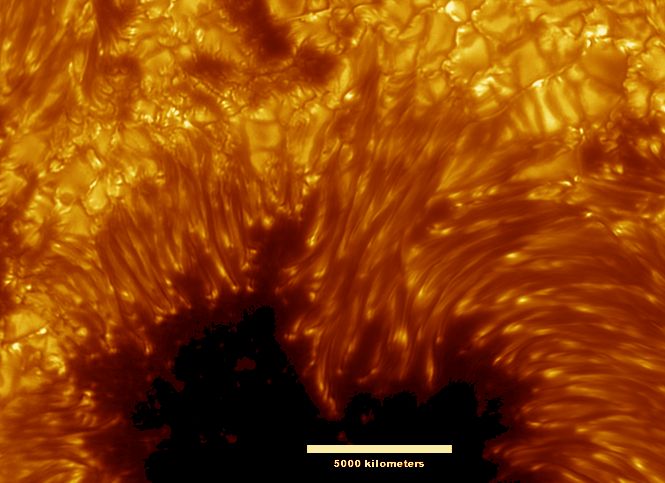
Y miren el cielo de africa... Es demasiado tuanis para ser cierto... y aveces no apreciamos esos pequennos detalles
http://antwrp.gsfc.nasa.gov/apod/image/021...immerman_c1.jpg

Recommended Comments