Skip to content
View in the app

A better way to browse. Learn more.

GamingCR

A full-screen app on your home screen with push notifications, badges and more.

To install this app on iOS and iPadOS
  1. Tap the Share icon in Safari
  2. Scroll the menu and tap Add to Home Screen.
  3. Tap Add in the top-right corner.
To install this app on Android
  1. Tap the 3-dot menu (⋮) in the top-right corner of the browser.
  2. Tap Add to Home screen or Install app.
  3. Confirm by tapping Install.

25 Marzo xD

(0 reviews)

Pues ya llevo rato sin poner nada aqui... Tons para volver a poner algo

Este video de google...este mae es un modelo a seguir...

OMG!!

Si asi no anda con mil es por q de verdad no vale un cinco :lol:

Creo que he decidido cambiar de deporte :lol2:

LV%20Drunken%20Chess%206.jpg

La nueva generacion de Chuck Norris

16_podborka_35.jpg

Para el TLC lo que hay q arreglar es la comunicacion con el Presidente de los estados Unidos

presidente2xz.jpg

WAZAAAAAAAAAAAAA

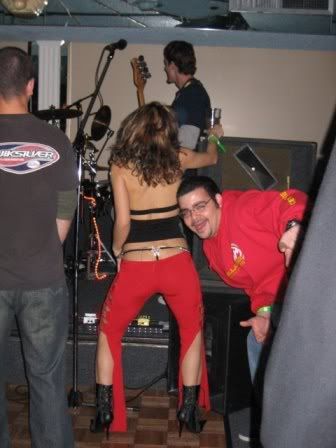
Hay q tener cuidado cuando se toman fotos

.

Por cierto toy vendiendo mi pc :P Cualquier ayuda Bienvenida sea :lol2:

1 Comment

Recommended Comments

Guest
Add a comment...

Account

Navigation

Search

Search

Configure browser push notifications

Chrome (Android)
  1. Tap the lock icon next to the address bar.
  2. Tap Permissions → Notifications.
  3. Adjust your preference.
Chrome (Desktop)
  1. Click the padlock icon in the address bar.
  2. Select Site settings.
  3. Find Notifications and adjust your preference.