


Sky
Administrador
-
Joined
-
Last visited
Everything posted by Sky
-
Raven Software y id Software han liberado un paquete de mapas multiplayer para Quake 4. Los tres mapas son Railed, Tremors, and Campgrounds Redux (un remake del mapa clásico de Quake 3 Arena). Download: Official Quake 4 Map Pack Railed – Set in an abandoned, rusting Strogg facility, the environment in Railed produces fast paced frenetic tournament action. This new map is all about close-quarters combat and hair-trigger reflexes as players hustle through the winding, multi-tiered corridors. Designed particularly for tournament play, Railed also supports Deathmatch and Team Deathmatch game modes, and is guaranteed to provide some thrilling fast-action gameplay. Tremors – Built within a twisting underground cavern and peppered throughout with pipes, bridges, and catwalks, Tremors demands tactical expertise. Enemies attack from above and below in the enormous, multi-tiered environment, making team-play invaluable. Tremors is perfect for huge Capture-The-Flag games, and also supports the Arena Capture-The-Flag gameplay mode. Campgrounds Redux – With QUAKE 4's updated technology, Campgrounds Redux now has a fresh look and feel, revitalizing this QUAKE III classic. Excellent for any number of players, this updated version supports Deathmatch, Team Deathmatch and Tournament modes, where hard-core QUAKE fans can get crazy with this throw-back to one of their old favorites.
-
Christmas Party del HM Clan - 2005
-
 HMCP2005-76.jpg
-
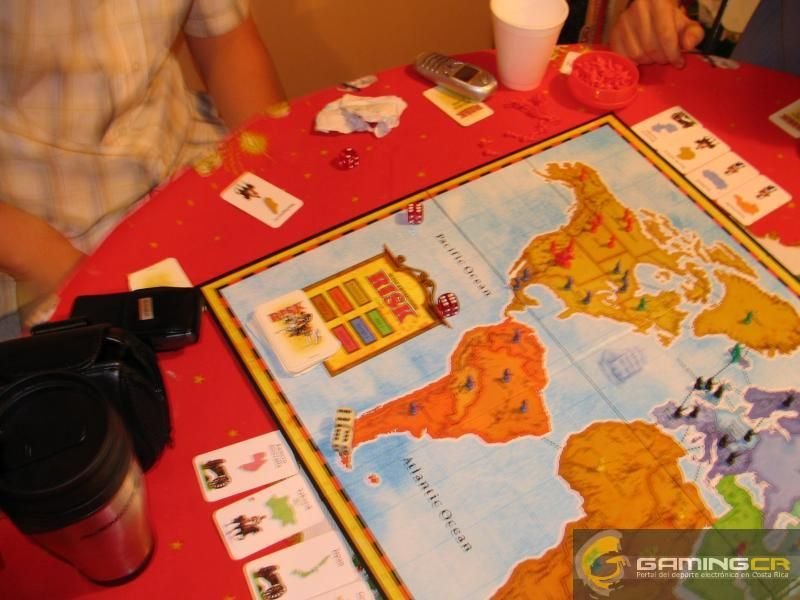 HMCP2005-75.jpg
-
 HMCP2005-74.jpg
-
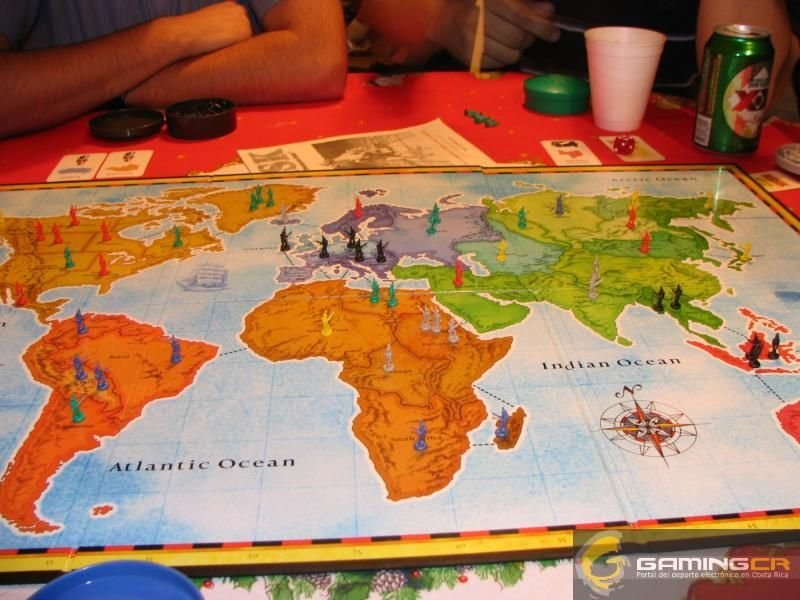 HMCP2005-73.jpg
-
 HMCP2005-72.jpg
-
 HMCP2005-71.jpg
-
 HMCP2005-70.jpg
-
 HMCP2005-69.jpg
-
 HMCP2005-68.jpg
-
 HMCP2005-67.jpg
-
 HMCP2005-66.jpg
-
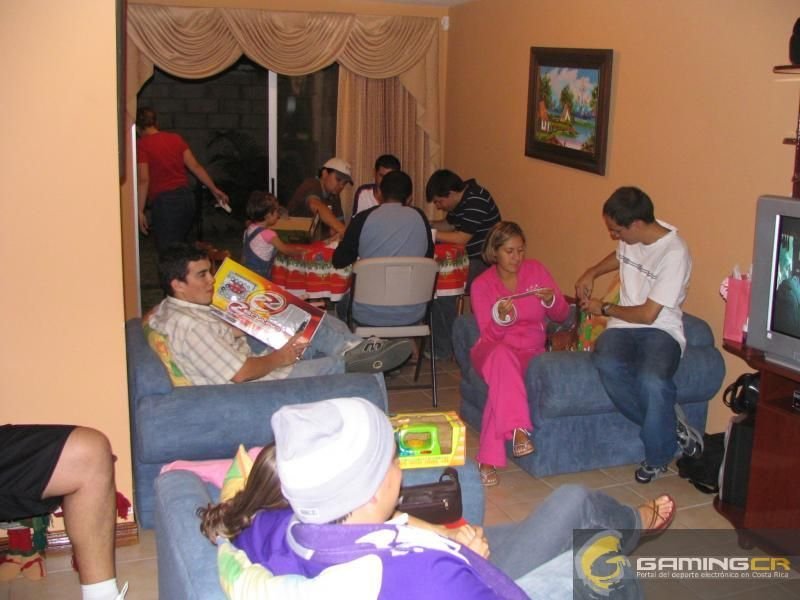 HMCP2005-65.jpg
-
 HMCP2005-64.jpg
-
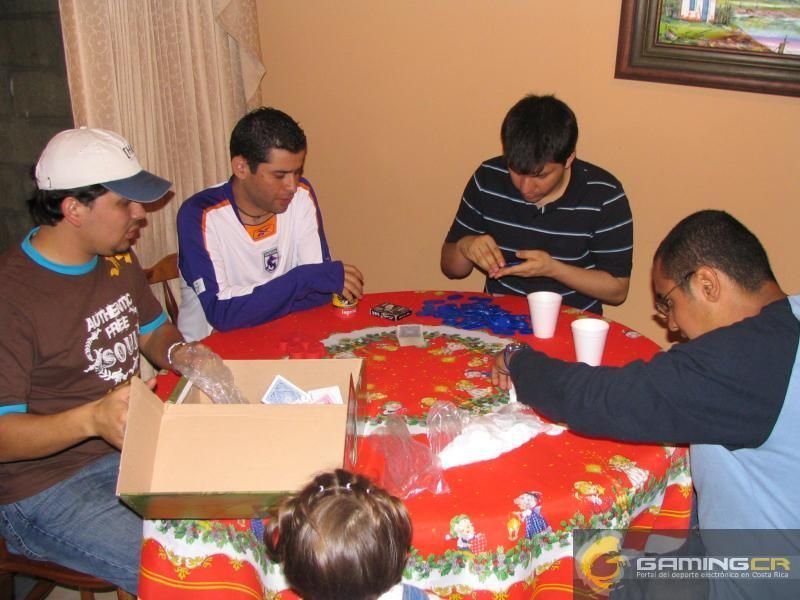 HMCP2005-63.jpg
-
 HMCP2005-62.jpg
-
 HMCP2005-61.jpg
-
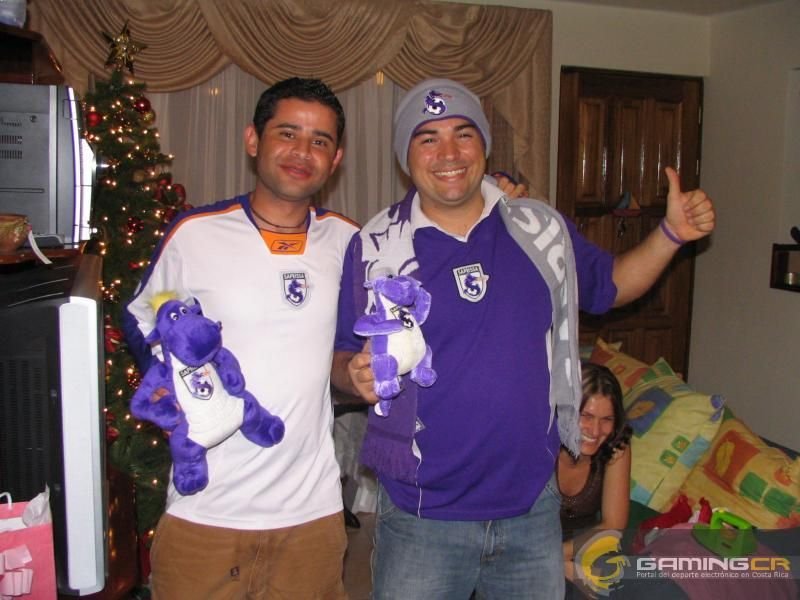 HMCP2005-60.jpg
-
 HMCP2005-59.jpg
-
 HMCP2005-58.jpg
-
 HMCP2005-57.jpg
-
-
From the album: Christmas Party HM Clan 2005
-
From the album: Christmas Party HM Clan 2005
-
-
-
-
-
-
-
-
-
-
-
-
-
-
-
-
-
-
-
-
-


