
Skip to content
View in the app

A better way to browse. Learn more.

GamingCR

A full-screen app on your home screen with push notifications, badges and more.

To install this app on iOS and iPadOS
  1. Tap the Share icon in Safari
  2. Scroll the menu and tap Add to Home Screen.
  3. Tap Add in the top-right corner.
To install this app on Android
  1. Tap the 3-dot menu (⋮) in the top-right corner of the browser.
  2. Tap Add to Home screen or Install app.
  3. Confirm by tapping Install.

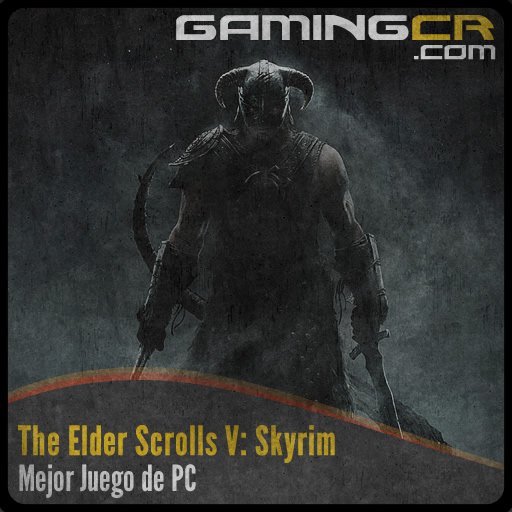
The Elder Scrolls V: Skyrim - Mejor Juego de PC [Premios GCR 2011]

  • bgoty2011_skyrim_pc.jpg

  • 02/04/2012

bgoty2011_skyrim_pc.jpg

El ganador a mejor juego del año, catalogado por casi todo el mundo como lo mejor del 2011, también se se lleva el título a mejor juego de PC.

Aún cuando fue desarrollado pensando en las consolas, la versión de PC no sufre contratiempos importantes y se desenvuelve bastante bien.

Decenas de horas esperando servirse de aventuras en el frío norte de Cyrodiil, que ha sido terreno electo para el retorno de los dragones. Múltiples historias que contar y muchísimo por hacer, lo convierten en uno de los juegos más complejos y ricos en opciones de los últimos tiempos.

Las primeras tres posiciones quedaron de la siguiente forma:

  1. The Elder Scrolls V: Skyrim [47.1%]
  2. Portal 2 [21.9%]
  3. Battlefield 3 [18.5%]

User Feedback

Recommended Comments

There are no comments to display.

Join the conversation

You can post now and register later. If you have an account, sign in now to post with your account.

Guest
Add a comment...

Account

Navigation

Search

Search

Configure browser push notifications

Chrome (Android)
  1. Tap the lock icon next to the address bar.
  2. Tap Permissions → Notifications.
  3. Adjust your preference.
Chrome (Desktop)
  1. Click the padlock icon in the address bar.
  2. Select Site settings.
  3. Find Notifications and adjust your preference.