


-
Tal y como sucedió en las dos entregas anteriores Valve ha lanzado el tercer y último volumen de la banda sonora de Portal 2. Para nuestra sorpresa en esta tercera edición si se incluye la opera de las torretas, Cara Mia Addio, en su versión completa así como Want You Gone de Johnathan Coulton aunque la canción Exile Vilify de The National está ausente.
- 10/04/2011
Tal y como sucedió en las dos entregas anteriores Valve ha lanzado el tercer y último volumen de la banda sonora de Portal 2. Para nuestra sorpresa en esta tercera edición si se incluye la opera de las torretas, Cara Mia Addio, en su versión completa así como Want You Gone de Johnathan Coulton aunque la canción Exile Vilify de The National está ausente.
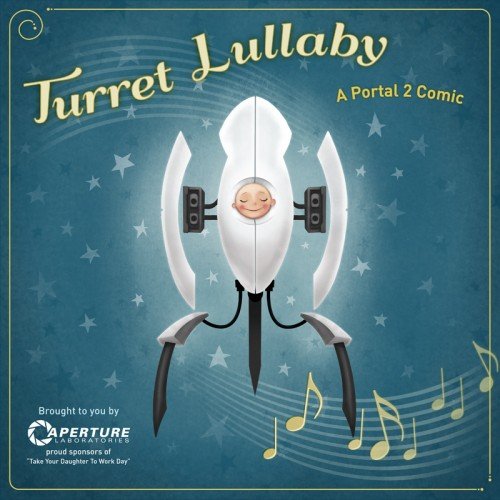
Por si fuera poco, Valve también anunció que el primer DLC para Portal 2, titulado Peer Review, estará disponible el próximo miércoles y además en la página del sondtrack han escondido un enlace a un pequeño comic de 6 páginas titulado Turret Lullaby.
 Download: Banda sonora #3
Recommended Comments
Join the conversation
You can post now and register later. If you have an account, sign in now to post with your account.