


-
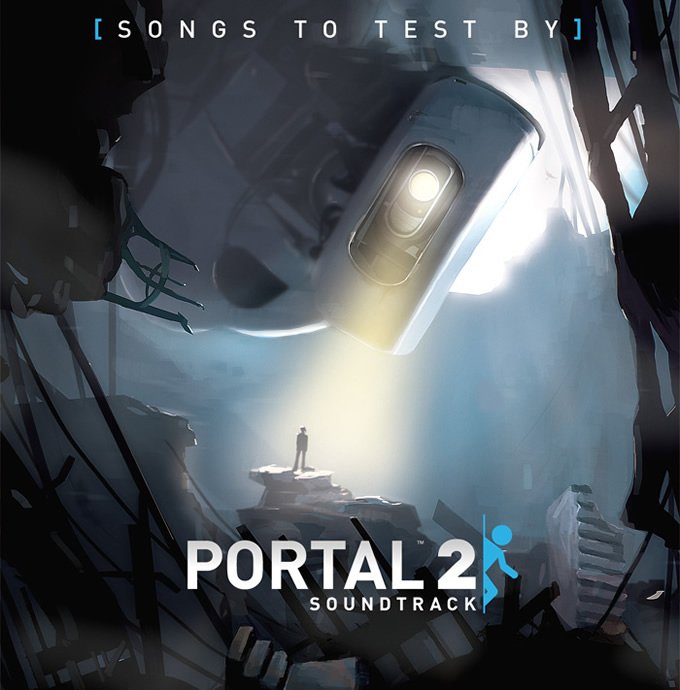
Hace poco más de un mes Valve lanzó, completamente gratis, el primer volumen del soundtrack de Portal 2. Hoy hace aparición su segunda entrega .
Este volumen contiene 18 nuevas canciones, y al igual que su sucesor, 14 ringtones para dispositivos Android/iPhone. Entre las canciones nuevas se incluyen ”Bring Your Daughter to Work Day,” “I AM NOT A MORON” y “PotatOS Lament“.
- 07/02/2011
Hace poco más de un mes Valve lanzó, completamente gratis, el primer volumen del soundtrack de Portal 2. Hoy hace aparición su segunda entrega .
Este volumen contiene 18 nuevas canciones, y al igual que su sucesor, 14 ringtones para dispositivos Android/iPhone. Entre las canciones nuevas se incluyen ”Bring Your Daughter to Work Day,” “I AM NOT A MORON” y “PotatOS Lament“.
De igual manera la fecha de lanzamiento del tercer volumen no ha sido anunciada y tan solo se puede especular con una imagen que lee “Proximamente”.
Si no tenían el primer volumen ahora pueden descargarlo junto con el segundo.
 Download: Portal 2 - Volume 1 & 2
Recommended Comments
Join the conversation
You can post now and register later. If you have an account, sign in now to post with your account.