


-
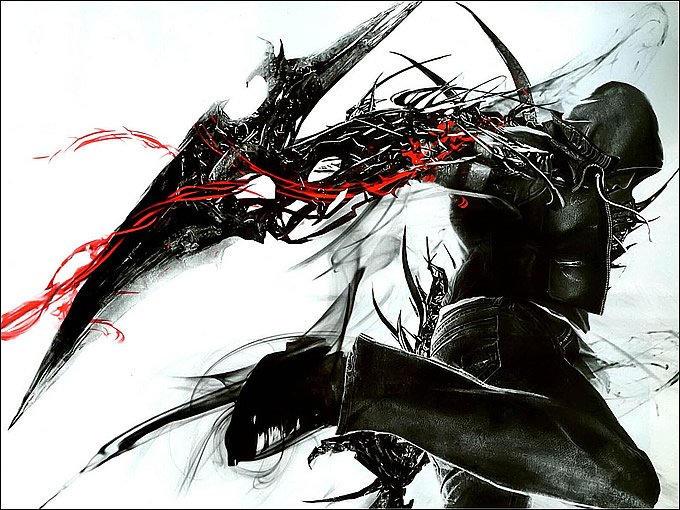
Entre las novedades de esta semana se encuentran Prototype 2 en consolas, el sangriento Bloodforgecon, y las ediciones de PCde Binary Domain y Risen 2: Dark Waters.
¿Y la edición de PC de Prototype2? Se ha retrasado hasta el 24 de julio, por razones inexplicables. Por otro lado, las ediciones de consola de Risen 2: Dark Waters se han retrasado igualmente.
- 04/23/2012
Entre las novedades de esta semana se encuentran Prototype 2 en consolas, el sangriento Bloodforgecon, y las ediciones de PCde Binary Domain y Risen 2: Dark Waters.
¿Y la edición de PC de Prototype2? Se ha retrasado hasta el 24 de julio, por razones inexplicables. Por otro lado, las ediciones de consola de Risen 2: Dark Waters se han retrasado igualmente.
PC
- A Valley Without Wind (Steam)
- Binary Domain
- Revelations 2012 (Steam)
- Risen 2: Dark Waters
- The Walking Dead
Xbox 360
- Bloodforge (XBLA - $15)
- Deep Black: Episode 1 (XBLA - $10)
- Prototype 2
PlayStation 3
- Darkstalkers 3 (PSone)
- Prototype 2
- Future Cop L.A.P.D. (PSone)
- Ikari III (minis)
- Red Faction (PS2 Classic)
Nintendo 3DS
- Shifting World
Nintendo DS
- Chuck E. Cheese's Arcade Room (DSiWare - $5)
Recommended Comments
Join the conversation
You can post now and register later. If you have an account, sign in now to post with your account.