Skip to content
View in the app

A better way to browse. Learn more.

GamingCR

A full-screen app on your home screen with push notifications, badges and more.

To install this app on iOS and iPadOS
  1. Tap the Share icon in Safari
  2. Scroll the menu and tap Add to Home Screen.
  3. Tap Add in the top-right corner.
To install this app on Android
  1. Tap the 3-dot menu (⋮) in the top-right corner of the browser.
  2. Tap Add to Home screen or Install app.
  3. Confirm by tapping Install.

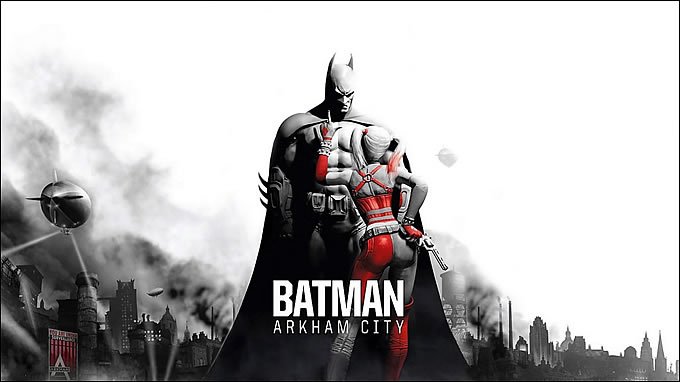
Batman: Arkham City - 22 caracteres anunciados hasta ahora

  • batman-arkham-city.jpg

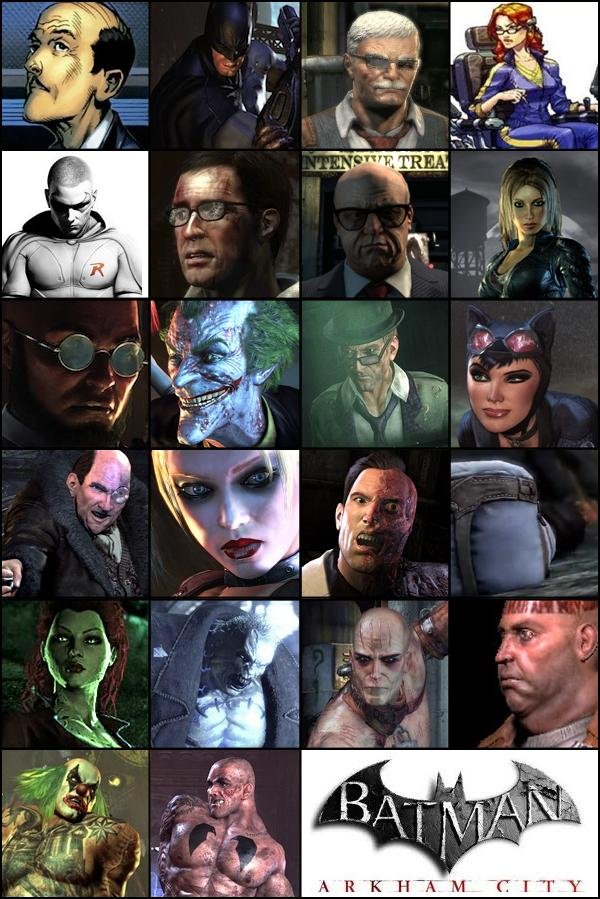
    Batman: Arkham City está a la vuelta de la esquina, y a esta es hasta hoy la lista de villanos que se han anunciado en esta secuela:

    • The Riddler
    • Penguin
    • Solomon Grundy
    • Catwoman
    • Two-Face
    • Calendar Man
    • Zsasz
    • Talia Al Ghul
    • Joker
    • Harley Quinn
    • Poison Ivy
    • Hugo Strange
    • The Abramovici Twins
    • Black Mask

    Y entre los "buenos":

    • Batman (obviamente)
    • Alfred
    • Oracle
    • Commissioner Gordon
    • Mayor Quincy Sharp
    • Jack Ryder
    • Robin

  • 07/26/2011

batman-arkham-city.jpg

Batman: Arkham City está a la vuelta de la esquina, y a esta es hasta hoy la lista de villanos que se han anunciado en esta secuela:

  • The Riddler
  • Penguin
  • Solomon Grundy
  • Catwoman
  • Two-Face
  • Calendar Man
  • Zsasz
  • Talia Al Ghul
  • Joker
  • Harley Quinn
  • Poison Ivy
  • Hugo Strange
  • The Abramovici Twins
  • Black Mask

Y entre los "buenos":

  • Batman (obviamente)
  • Alfred
  • Oracle
  • Commissioner Gordon
  • Mayor Quincy Sharp
  • Jack Ryder
  • Robin

batman-arkham-city-caracteres.jpg

Mucha expectativa de este juego, que se espera mantenga o mejore la calidad de su antecesor.

User Feedback

Recommended Comments

General_Grievous

Premium Member

Q nivel, d tener el dinero lo preordenaria para precargarlo apenas salga la opcion

Join the conversation

You can post now and register later. If you have an account, sign in now to post with your account.

Guest
Add a comment...

Account

Navigation

Search

Search

Configure browser push notifications

Chrome (Android)
  1. Tap the lock icon next to the address bar.
  2. Tap Permissions → Notifications.
  3. Adjust your preference.
Chrome (Desktop)
  1. Click the padlock icon in the address bar.
  2. Select Site settings.
  3. Find Notifications and adjust your preference.