
Skip to content
View in the app

A better way to browse. Learn more.

GamingCR

A full-screen app on your home screen with push notifications, badges and more.

To install this app on iOS and iPadOS
  1. Tap the Share icon in Safari
  2. Scroll the menu and tap Add to Home Screen.
  3. Tap Add in the top-right corner.
To install this app on Android
  1. Tap the 3-dot menu (⋮) in the top-right corner of the browser.
  2. Tap Add to Home screen or Install app.
  3. Confirm by tapping Install.

Se viene GSTL 2012 Season 1

  • 0005.png

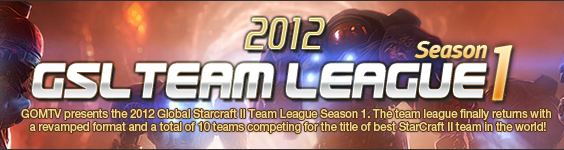
    GOMTV viene con todo este año, hoy en la noche empieza la primera temporada de GSTL, la versión en equipos de su torneo de Starcraft II.

  • 01/26/2012

0005.png

GOMTV viene con todo este año, hoy en la noche empieza la primera temporada de GSTL, la versión en equipos de su torneo de Starcraft II. Algunos datos interesantes:

- Los premios suman más de $50k.

- 8 equipos competirán junto con 2 pre-clasificados.

- Los dos pre-clasificados son MVP y Prime.

- No muchos extranjeros verán acción en esta temporada.

- En la historia de GSTL, se han dado 14 all-team-kills, cuántos veremos esta vez?

Las partidas para esta semana son:

FXO vs SlayerS :: January 27, 2012

ZeNEX vs oGsTL :: January 28, 2012

La otra semana:

HoSeo vs StarTaleQ :: February 3, 2012

TSL vs IM :: February 4, 2012

User Feedback

Recommended Comments

There are no comments to display.

Join the conversation

You can post now and register later. If you have an account, sign in now to post with your account.

Guest
Add a comment...

Account

Navigation

Search

Search

Configure browser push notifications

Chrome (Android)
  1. Tap the lock icon next to the address bar.
  2. Tap Permissions → Notifications.
  3. Adjust your preference.
Chrome (Desktop)
  1. Click the padlock icon in the address bar.
  2. Select Site settings.
  3. Find Notifications and adjust your preference.