

Jebc125 PC

By Jebc125
- 1,210 views
- View Jebc125's images
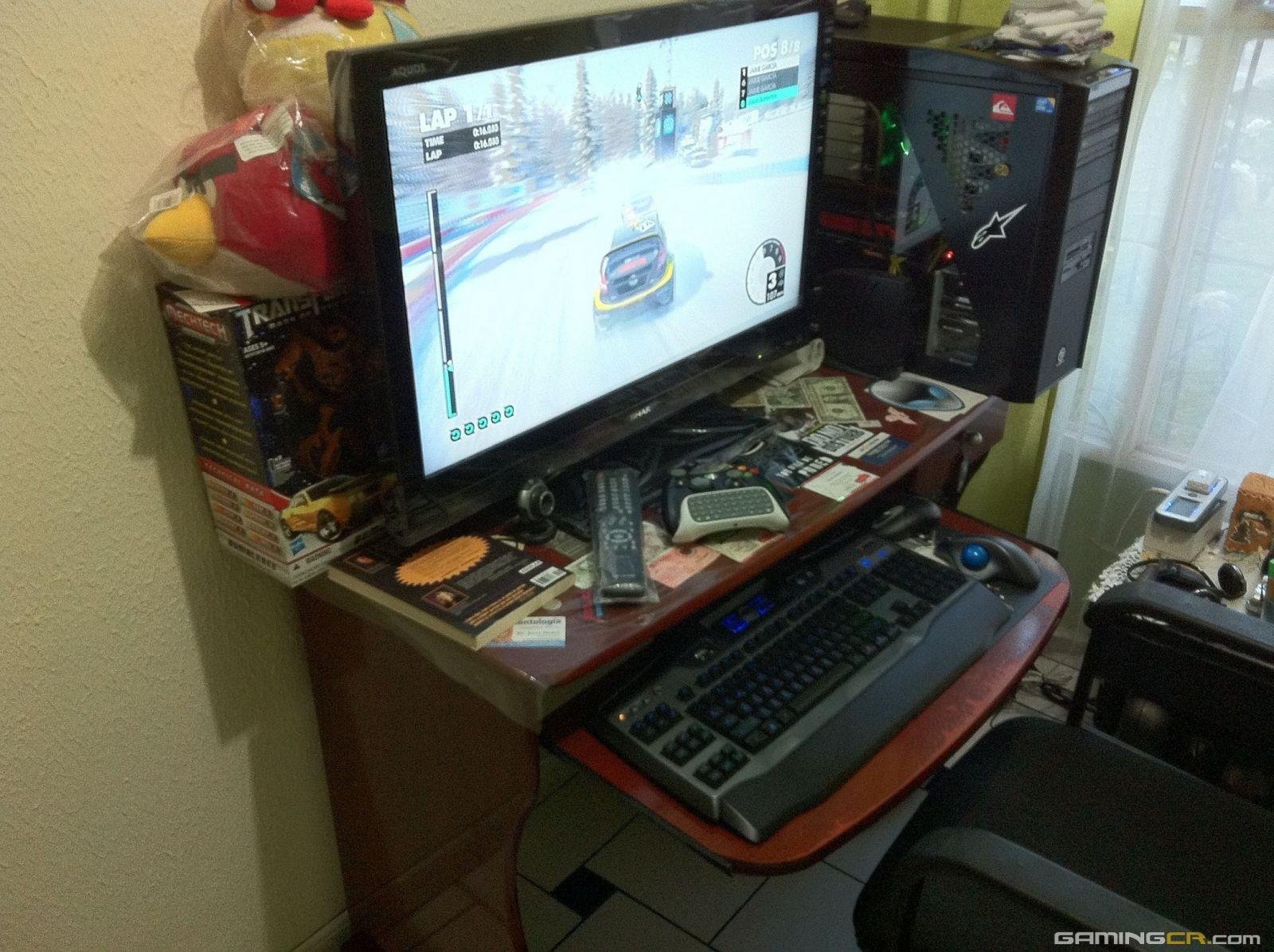
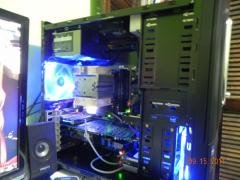
Diay este esta es la consentida del cuarto XD!!!!! Mi tarro xD:
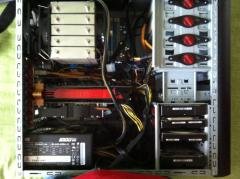
Tarjeta Madre Gigabyte EX58-UD5
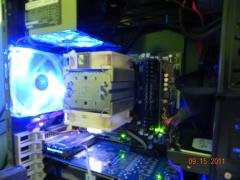
8Gb de memoria ram Kingstone HyperX DDR3 1600Mhz
Core i7 920 3.2Ghz (Overclocked)
Fuente de Poder ColerMaster Silent Pro 1000w
Discos Duros, 1TB Western Digital Caviar Black 7200RPM, 2TB Western Digtal Caviar Green,500GB Hitachi y 80GB Hitachi
Disipador Scythe MUGEN-2 SCMG-2000 12cm
2 unidades DVD/RW Samsung
2 Tarjetas de video ATI Radeon HD 5800 en CrossFire X
Case Thermaltake V9 Series
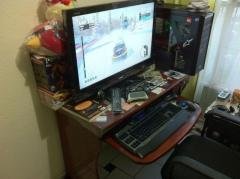
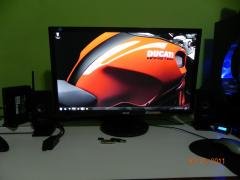
HDTV LED 1080P Sharp 32LE700UN
Tarjeta de Sonido Creative Xfi Extreme Audio 7.1
Parlantes Genius 5.1 75 Watts RMS
2 Controles de Xbox 360 (el otro guardado en la gabeta XD)
Teclado Logitech G11 Backlight (Apenas pueda le hago un Mod de fibra de carbono)
Mouse Logitech Trackball M570
4 Fans CoolerMaster verdes a 2000RPM
y eso es todo xD!!!!!!!!
Recommended Comments
Join the conversation
You can post now and register later. If you have an account, sign in now to post with your account.