

CASE GERA PC

By GERAR
- 2,094 views
- View GERAR's images
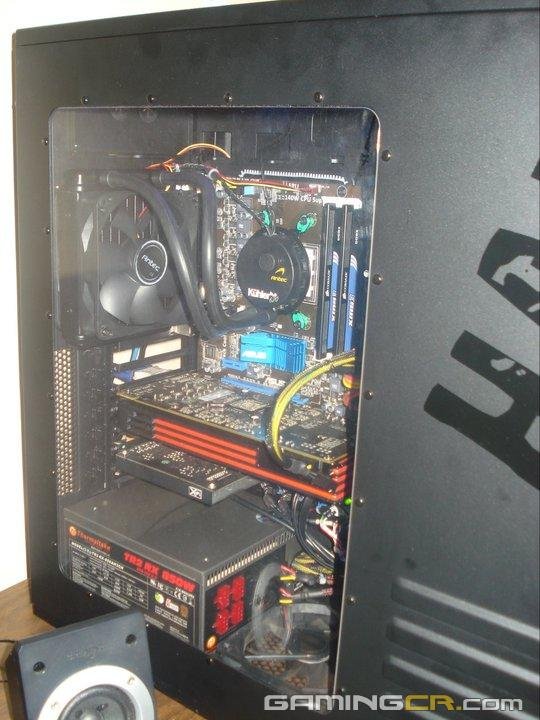
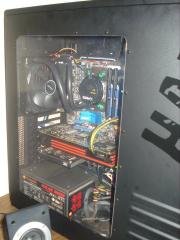
Case Cooler Master Haf 932 Black Edition
Fuente De Poder Thermaltake Tr2 Rx 850 Watts Modular
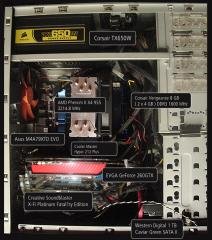
Tarjeta Madre Asus Asus M4a89gtd Pro - Am3
Procesador Amd Phenom II X4 955 Black Edition 3.2 ghz @ 3.95 ghz
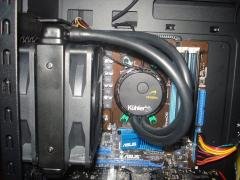
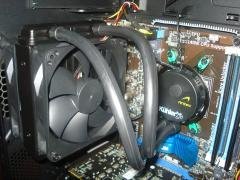
Disipador - Antec Kuhler H2O 620 (enfriamiento liquido)
4 Gigas Ram Corsair Xms3 Ddr3 1333 Mhz (2x2)
Tarjeta De Video XFX Ati Radeon 6870 1gb GDDR5
Tarjeta De Sonido Creative X-Fi Titanium Fatality Pro
Disco Duro Maxtor Sata 300gb 7200 Rpm
Disco Duro Seagate Sata 300gb 7200 Rpm
2 Quemadores Dvd Lite On Ihap122
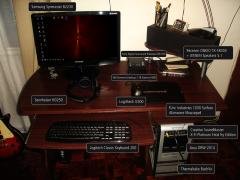
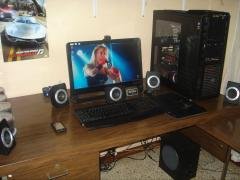
Monitor Lcd - Aoc F22s Lcd De 22 Pulgadas Full Hd
Mouse Logitech G9x
Mouse Pad Cooler Master Hs M Battle
Teclado Logitech G-110
Parlantes Creative Inspire P 7800 7.1
Webcam Microsoft Hd-5000
Copyright
© NUEVO SISTEMA DE ENFRIAMIENTO LIQUIDO ANTEC KUHLER H2O 620
Recommended Comments
Join the conversation
You can post now and register later. If you have an account, sign in now to post with your account.