


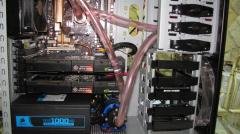
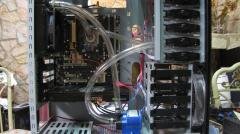
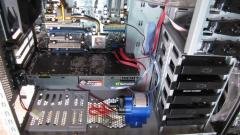
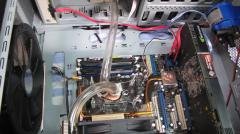

Cambio de fittings para el radiador

By mele
- 1,158 views
- View mele's images
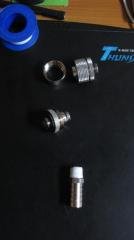
Originalmente el radiador tenia los fittings de alto flujo, los cuales utilizan las prensitas "clamps" para evitar posibles fugas de agua, y para este nuevo watercooling me paso por la mente cambiar los fittings convencionales por fittins de compresión, los cuales no utilizan clamps, sin embargo en medio de la instalación estaba perfilando el radiador, y con un simple movimiento se aflojo uno de los fittings por lo que decidí ir de vuelta a los fittings originales, que bastante rústicos y poco estéticos son los que trabajan mejor en materia de eficiencia y seguridad para evitar tener alguna fuga de agua
Recommended Comments
Join the conversation
You can post now and register later. If you have an account, sign in now to post with your account.