

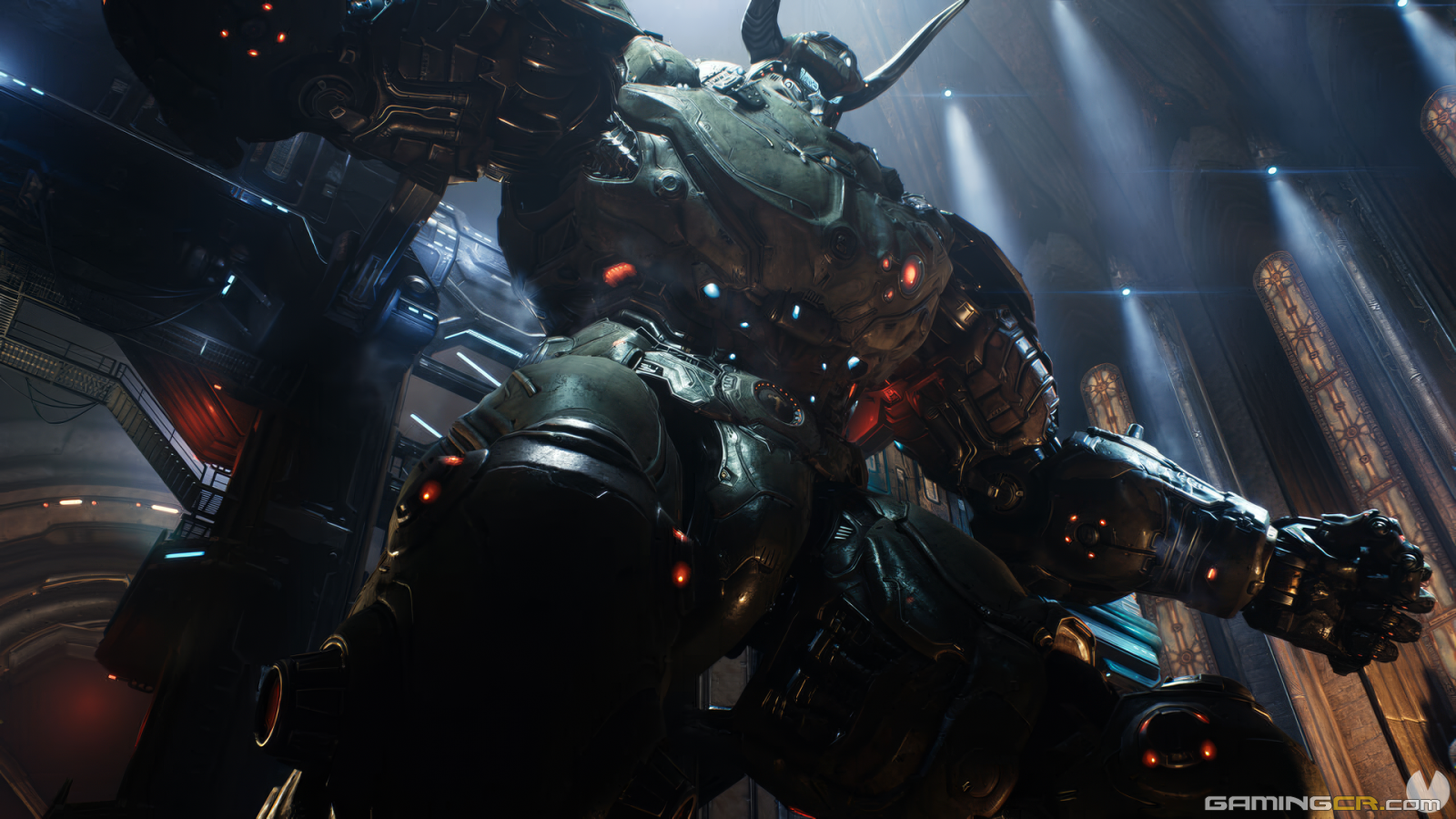
DOOM: The Dark Ages
DOOM: The Dark Ages - Una Galería Épica de Oscuridad y Misterio
Adéntrese en un viaje visual que combina la brutalidad clásica de DOOM con la atmósfera medieval de la Edad Oscura. Esta galería le transportará a un universo alternativo donde caballeros templarios, criaturas infernales y ruinas ancestrales se enfrentan en una lucha épica. Espadas, magia oscura y armas demoníacas son las herramientas necesarias para sobrevivir en este escenario de sombras y gloria.
Explore paisajes góticos, castillos en ruinas y mazmorras infestadas, donde los horrores sobrenaturales acechan en cada rincón. "DOOM: The Dark Ages" redefine la lucha entre el bien y el mal en un entorno en el que la historia y el infierno colisionan.
Atrévase a explorar esta aventura épica y descubra lo que se esconde en la penumbra.

0 Album Comments
There are no comments to display.
Join the conversation
You can post now and register later. If you have an account, sign in now to post with your account.